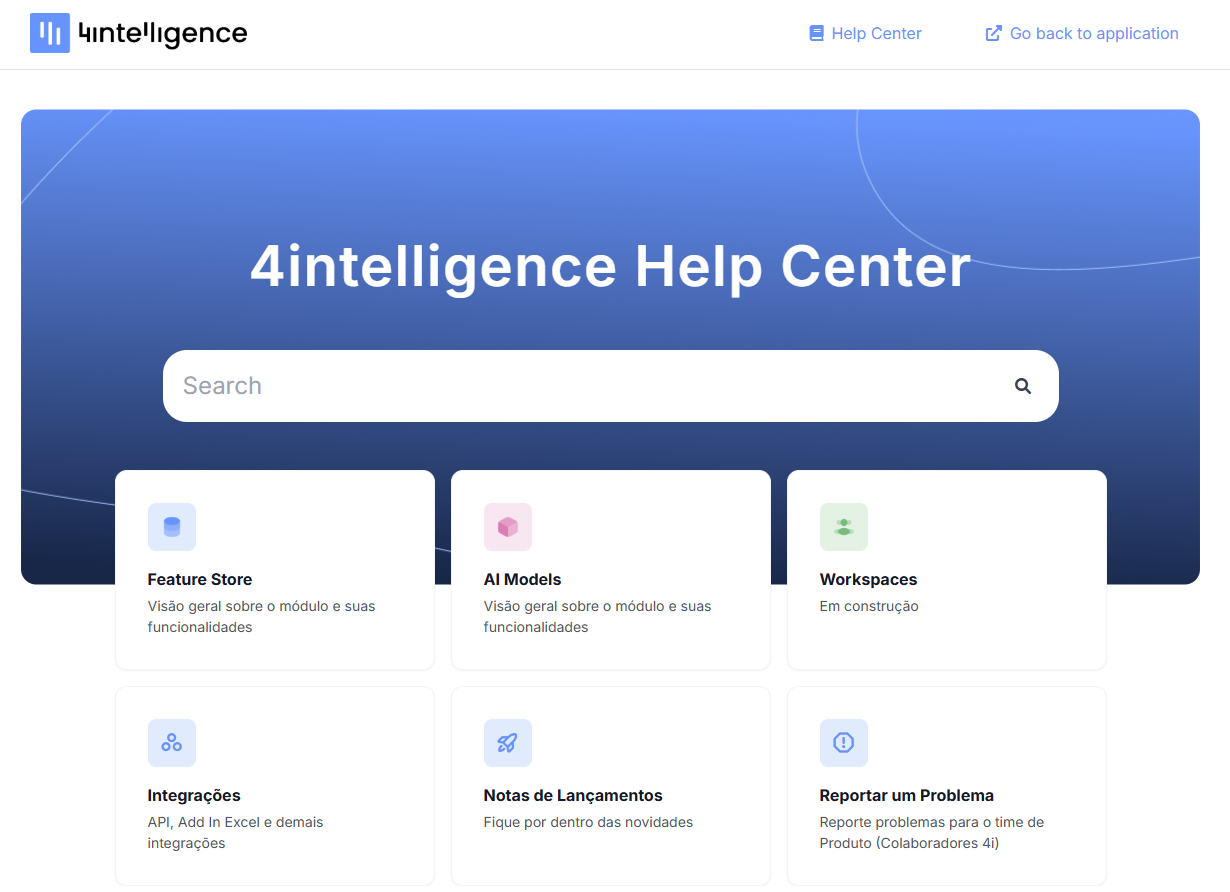
How do I access all Help Center content?
1. Access the Platform Log in to 4i Platform (visit: app.4intelligence.ai). If you are already on the home screen—choosing between Feature Store, Models, or Workspaces—you are ready to start.
2. Locate the Help Menu Click the question mark icon (?) in the top right corner of the screen.
3. Select the Option A dropdown menu with support options will open. Click "Help Center" to access the latest articles and our knowledge base.
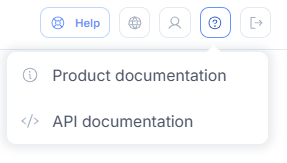
For security reasons, external access to the Help Center is blocked; therefore, it must be accessed from within 4casthub.
What will you find there? Once inside, you can browse through categories organized by module and search for specific topics. The platform was designed to deliver simplicity and governance, ensuring you have full autonomy when using the tool.